
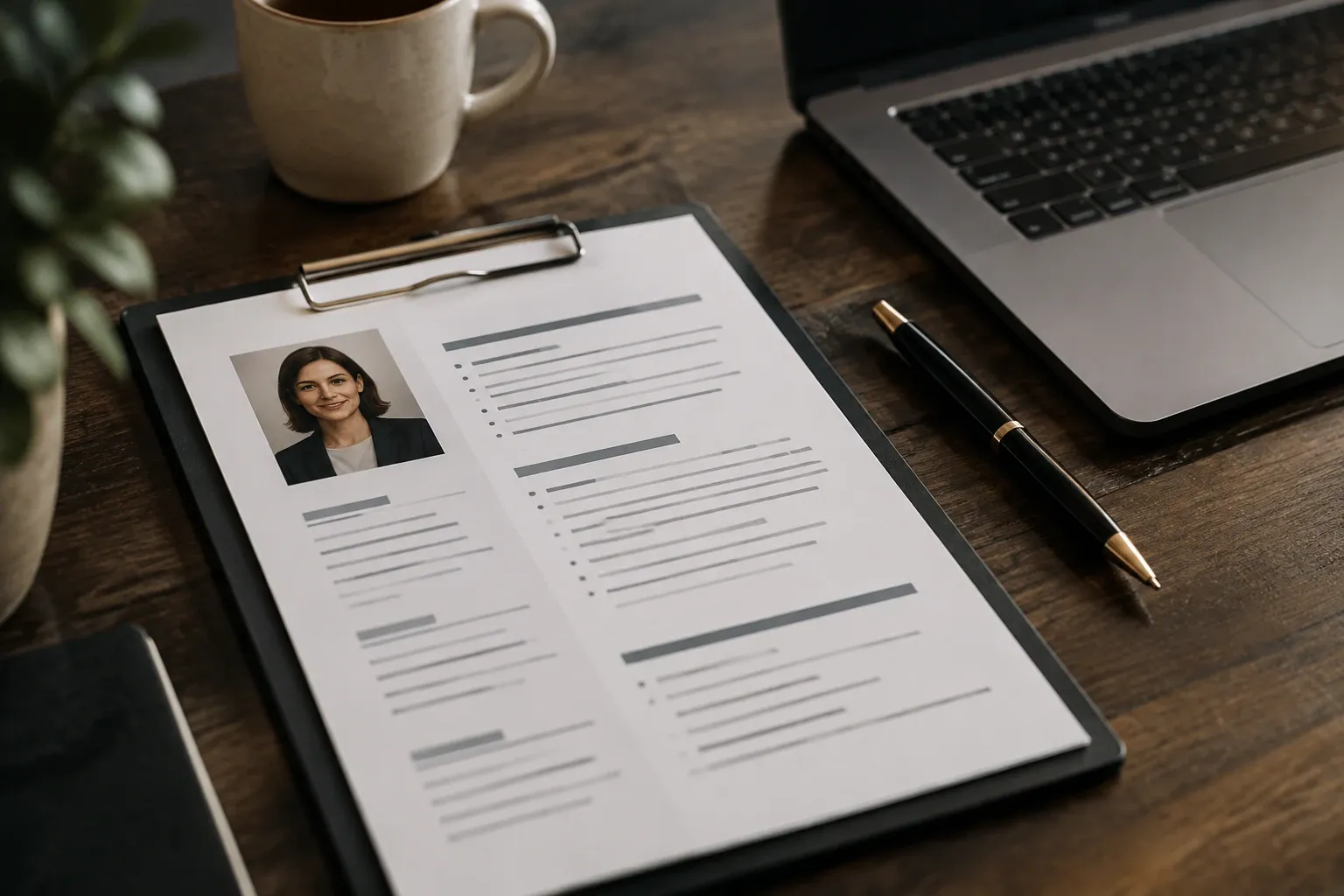
You’re applying between classes, bouncing from campus jobs to internship postings, and you need a résumé that recruiters actually read. This guide shows you what a strong student résumé looks like in 2026, how to choose the right format, what to include (and what not to), and how to tailor it fast. You’ll also get copy‑ready bullet templates for campus roles, projects and internships, plus a pre‑submit checklist to avoid silent rejections.
What should a student résumé look like in 2026?
- Keep it to one page in most cases, using a reverse‑chronological layout with your most recent experience first, a format college career centers describe as the most acceptable for students. See the guidance from the University of Southern California’s career center. USC Career Center.
- Use clean, readable margins in the 0.5–1 inch range and keep formatting consistent (alignment, dates, headings). The National Association of Colleges and Employers provides a rubric citing 0.5–1 inch margins and consistency checks. NACE resume rubric.
- Make it ATS‑safe: avoid columns, text boxes, graphics and fancy fonts for core info; these can break parsing. University guides explicitly warn that ATS often cannot interpret columns/graphics and recommend a simple Word document or text‑based PDF. USC Career Center, UC Riverside Career Center.
What to include and what to skip
- Header: name, phone, email, city/state, and optional LinkedIn/portfolio.
- Education: degree, major/minor, school, city/state, expected grad month/year. Include GPA when it’s 3.0+ or required; several university centers state the 3.0+ convention for student résumés. UCLA Career Center; Penn State Student Affairs; Case Western Reserve University. NACE also lists GPA as an optional education item. NACE resume rubric.
- Experience: paid work, internships, research, teaching, leadership and substantial projects—bulleted with action + context + result (see templates below). Purdue’s OWL and University of Chicago materials emphasize strong action verbs, correct verb tense and quantifying impact. Purdue OWL; UChicago Harris guide.
- Skills: only those you can prove—software, languages with proficiency level, lab/technical tools.
- Skip: headshots, paragraphs of text, personal data (age, marital status), and decorative graphics that can confuse scanners. USC Career Center.
Chronological, functional or hybrid: which format should you choose?
- Reverse‑chronological (recommended for most students): highlights internships, campus jobs and projects in date order—fastest for recruiters to scan. USC Career Center.
- Hybrid/combination: useful if your most relevant experience isn’t the most recent; lead with a short skills/qualifications section backed by bullet‑proofed experience. Purdue OWL.
- Functional/skills‑only: risky for new grads because it can look like you’re hiding dates; only use if a posting explicitly asks for it and still include concise, dated experience entries. Purdue OWL.
Tailor it in 15 minutes without overthinking
- Grab keywords: mirror the role’s title, must‑have skills and tools from the job description. Many employers use applicant tracking systems to scan for keywords, so customize for each application. UT Dallas University Career Center.
- Prove the match: convert 2–3 bullets under your most relevant role to show impact using those keywords. Federal‑style guidance also stresses detailed duties, accomplishments and dates when describing experience. NIST (points to USAJOBS guidance).
- Save as the right file: a Word document or a text‑based PDF (exported, not scanned) preserves parsing; scanned PDFs are images and unreadable to ATS. UC Riverside Career Center.
Nine plug‑and‑play bullet templates (edit the numbers and nouns)
Use this pattern: Action verb + how you did it + number/result.
- Tutoring: Coached 12 first‑year students in Calculus I during weekly sessions; raised average quiz scores by 18% over 6 weeks.
- Retail: Processed 40–60 transactions per shift while maintaining 98% cash‑drawer accuracy; earned two “Top Seller” mentions for add‑on accessories.
- Research assistant: Cleaned and analyzed 2,500+ rows in Python (pandas) to prepare regression models; reduced data‑prep time by 30% for the lab PI.
- Lab/course project: Built a 4‑page React app for team project; implemented API calls and unit tests that cut bug reports by 35% between sprints.
- Resident assistant: Planned 5 floor events with 120+ attendees total; trained 3 peers on incident logging procedures to improve on‑call coverage.
- Social media: Wrote 3 weekly posts for the club Instagram; grew followers from 420 to 730 in one semester with a content calendar.
- Hospitality: Resolved 10–15 guest issues per shift by triaging tickets in POS; boosted same‑day satisfaction scores from 4.2 to 4.7/5.
- Leadership: Led a 7‑person case‑competition team; coordinated research and rehearsals that placed 2nd of 14 teams.
- Volunteering: Organized a campus clothing drive collecting 220 items; partnered with 2 local nonprofits to distribute within one week.
Tip: if you lack exact numbers, use frequencies (per week), ranges, or scale (class size, budget, users). Purdue OWL and UChicago materials emphasize action verbs, correct tense and quantifying outcomes. Purdue OWL; UChicago Harris guide.
A ready‑to‑use structure for internships, campus jobs and grad roles
- Header: Name | City, ST | email@school.edu | (555) 555‑5555 | LinkedIn/portfolio
- Education: University, City, ST — Degree, Major, Expected Month Year | GPA (3.5/4.0 if helpful)
- Experience: 2–4 entries with 2–4 bullets each (recent first)
- Projects or Research: 1–3 entries with tools, methods, outcome
- Leadership & Activities: roles, dates, one impact bullet
- Skills: 6–12 items you can demonstrate (tools, languages, frameworks)
If you’re figuring out how this résumé fits into the bigger “school to work” picture, see our guide to your first job after college.
Final checks before you hit submit
- Layout: 0.5–1 inch margins, consistent headings/dates, clear section labels. NACE resume rubric.
- Length & order: one page, reverse‑chronological for students. USC Career Center.
- ATS‑safety: no columns/graphics for core info; use Word or text‑based PDF; avoid scanned PDFs. UC Riverside Career Center; USC Career Center.
- Content: swap in keywords from the posting and show them in 2–3 quantified bullets. UT Dallas University Career Center; NIST.
- GPA rule: include if 3.0+ or required; otherwise omit. UCLA Career Center; Penn State Student Affairs.
Next steps once you’re getting interviews: use these job interview tips for students. If you’re still building experience, learn how to find and land internships.
Frequently asked questions
Should I put my GPA on a student résumé?
Only if it helps you. Many university career centers suggest including GPA when it’s 3.0 or higher or if a posting requires it. See examples from UCLA and Penn State that specify GPA 3.0+ as a common threshold; otherwise, you can leave it off or list major GPA if stronger.
Is one page enough for a student résumé?
Yes for most undergraduates and recent grads. USC’s career center says the most used format for college students is a one‑page reverse‑chronological résumé. If you truly need a second page, ensure all content is relevant and consistent.
Will an ATS read my résumé if it has columns or graphics?
ATS can struggle with graphics, text boxes and multi‑column layouts. University guides from USC and UC Riverside advise avoiding columns/graphics for key information and using a simple Word or text‑based PDF file to retain parsing and formatting.
PDF or Word: which file should I upload?
If allowed, a text‑based PDF converted from Word preserves layout; avoid scanned PDFs (they’re images and unreadable to ATS). UC Riverside’s career center explains the trade‑offs and recommends simple formats for ATS.
How do I tailor my résumé quickly to a job?
Lift keywords from the posting into your skills and bullets, then prove them with one or two quantified results. UT Dallas notes that many employers use ATS to scan for keywords, and NIST points to USAJOBS guidance on including detailed duties and accomplishments.
In this section Careers & Jobs